Your panel has easy access to some global settings for your show via the Quick Toggles pane on your panel.
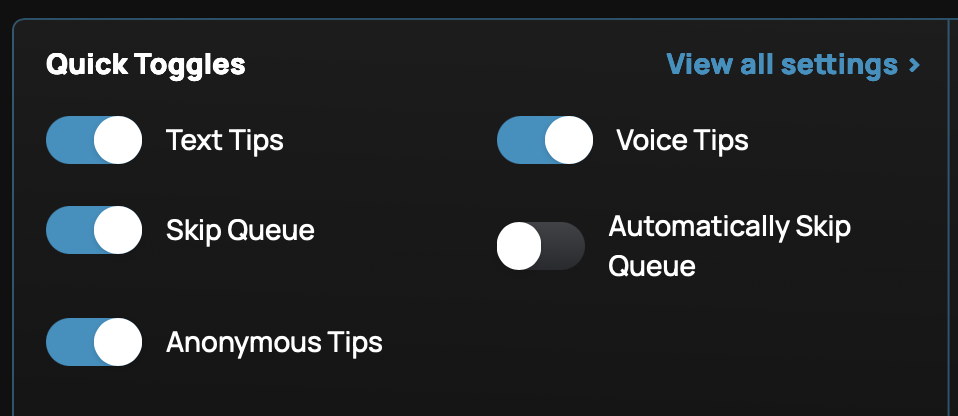
Text Tips: Enable or disable receiving text tips for your show.
Voice Tips: Enable or disable receiving voice tips for your show.
Skip Queue: Allow your audience to pay an additional amount (configurable in your Settings) to have their tip play immediately upon receipt automatically.
Automatically Skip Queue: All tips that play video or audio (like voice tips) on your stream will automatically play when received no matter what. (Useful for streams where the host cannot monitor the Supertip panel while streaming, or don't have their hands free to operate the panel.) Note: Text tips will not automatically play, and it's recommended you disable them when using this option.)
Anonymous Tips: Allow or disallow people from tipping your show without logging in to Supertip with a social media account.
Was this article helpful?
That’s Great!
Thank you for your feedback
Sorry! We couldn't be helpful
Thank you for your feedback
Feedback sent
We appreciate your effort and will try to fix the article